Short answer Most cheap-looking logos share the same problems: too many fonts, clashing colours, pixel-based files, too much detail, stock icons, uneven spacing and only one version. Fix those and the logo instantly looks more professional.
You can feel it, even if you can’t name it
You made a logo in Canva, an AI generator or an hour of Photoshop. It’s on your website. But next to your competitors’ logos, yours looks rushed. Here are the seven reasons that usually explain it.
1. Too many fonts
The most common giveaway. DIY logos often mix three fonts: a decorative one for the name, another for the tagline, a third somewhere else. Professional logos use one, sometimes two. That restraint is what makes a logo look confident.
The fix: pick one typeface and create hierarchy with its weights (bold, regular, light). If you really need two fonts, make them clearly different, such as a serif with a sans-serif, not two similar sans-serifs fighting each other.
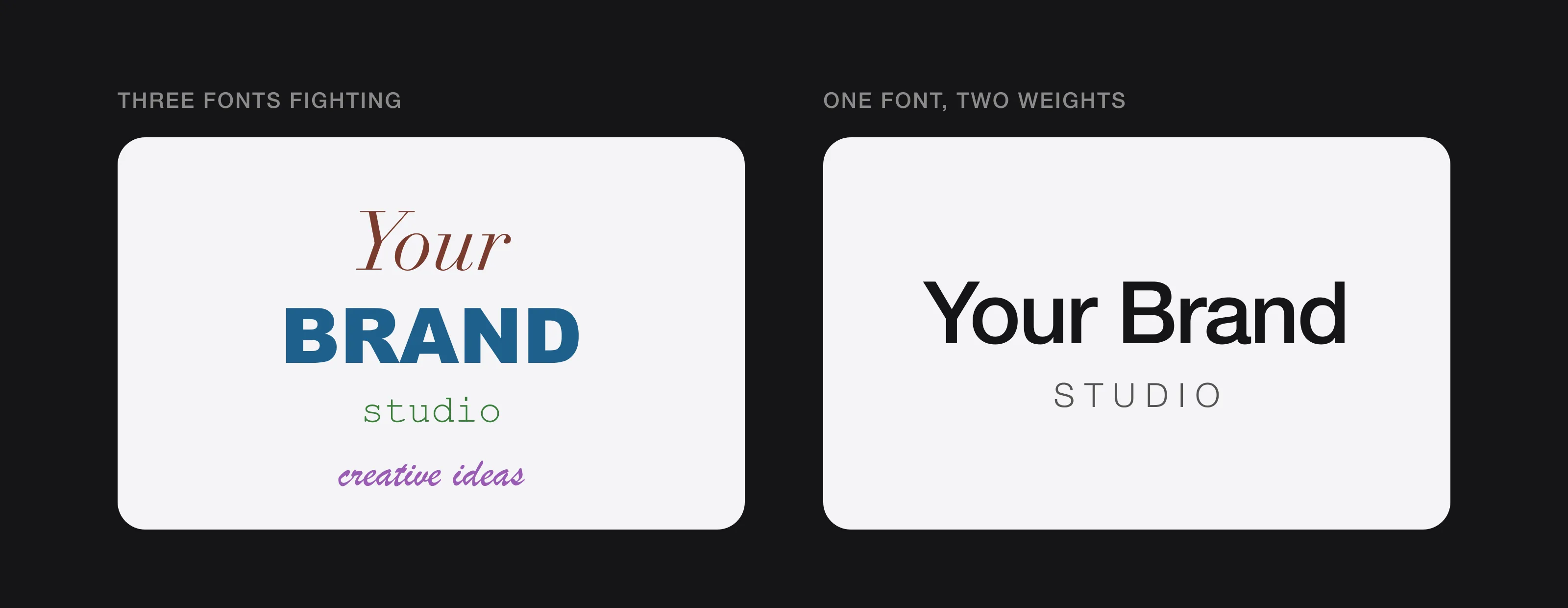 Four fonts compete for attention; one family with two weights looks deliberate.
2. Poor colour choices
Too many colours, clashing colours, or colours that look great on screen but turn muddy on a printed business card or an embroidered shirt.
The fix: choose your colours deliberately and limit your palette to two or three colours that work in both RGB (screens) and CMYK (print). Then check the logo in plain black and plain white. If it falls apart without colour, the design underneath is weak.
3. Pixel files instead of vector
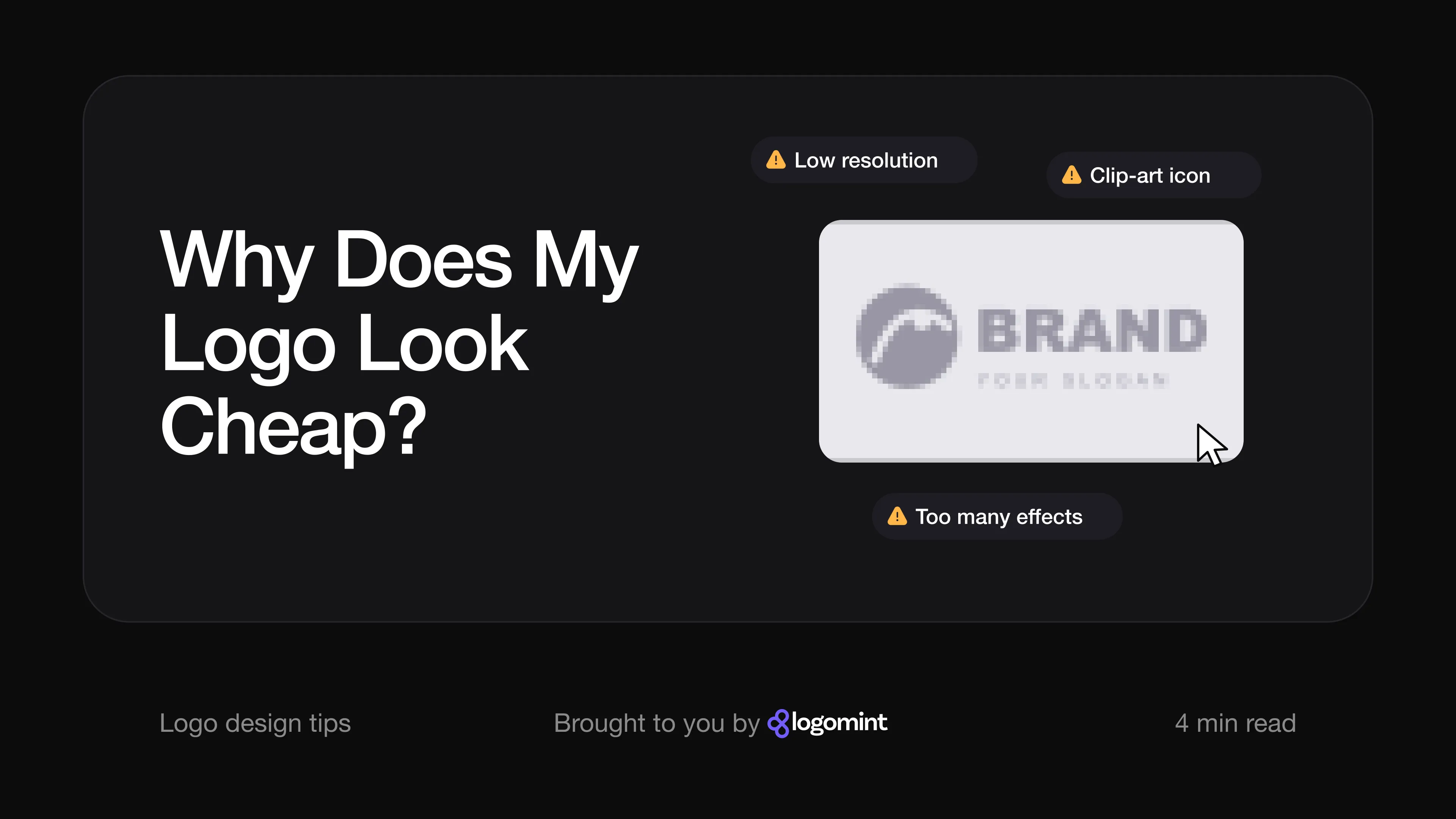
Logos made in Photoshop, Canva or an AI tool are usually raster files (PNG or JPG). They’re made of pixels, so they go blurry as soon as you enlarge them. Put one on a banner or a van and it turns into a pixelated mess.
The fix: a professional logo is drawn as a vector file (SVG, AI, EPS), made of mathematical shapes that stay sharp at any size, from a 16-pixel browser icon to a 5-metre billboard. No vector files means no professional logo. Our logo file format checklist explains exactly what you should have.
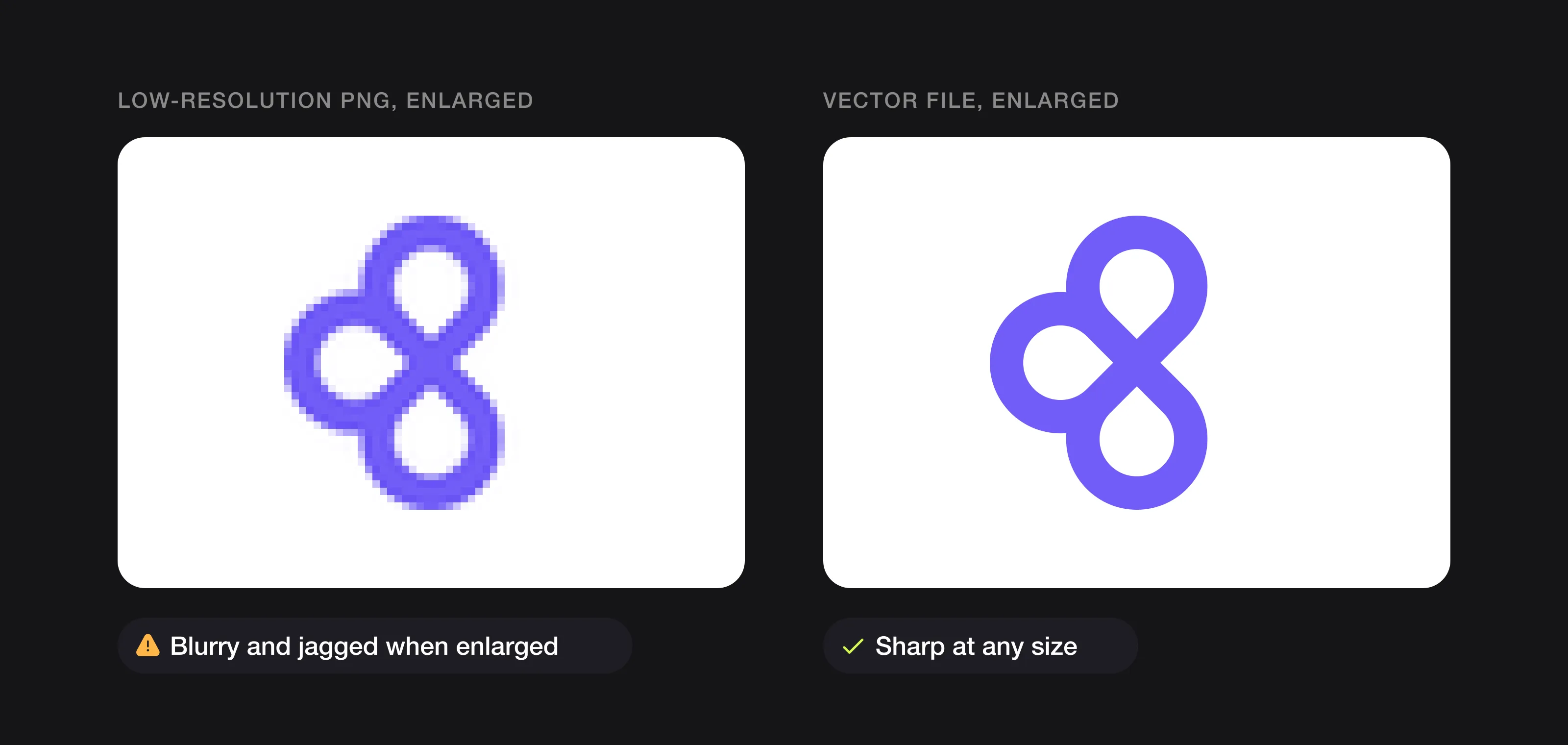 The same symbol enlarged: a small PNG falls apart, a vector file stays sharp.
4. Too much going on
Icon, name, tagline, border, background shape: DIY logos tend to include everything. The result is cluttered and unreadable at small sizes. Look at your logo as a social media profile picture or a browser tab icon. If you can’t recognise it at 32 × 32 pixels, it’s too complex.
The fix: simplify ruthlessly (it’s also what makes a logo timeless). The world’s most recognisable logos, like Apple, Nike and Airbnb, are radically simple. Yours should be recognisable in one second. If it takes longer, remove elements until it doesn’t.
5. Stock or overused icons
Free icon libraries and AI generators pull from the same sources. That lightbulb? Hundreds of businesses use it. That mountain outline? Thousands. A logo is meant to make you distinctive, and a stock icon does the opposite. It can also make your logo hard to protect as a trademark.
The fix: a custom symbol or a custom lettermark, designed for your brand alone. Originality is the single biggest difference between a DIY logo and a professional one.
6. Uneven spacing and alignment
The space between letters (kerning and tracking) and the relationship between icon and name seem like small details, but they make or break a logo. DIY tools don’t adjust them, and most non-designers don’t know they should.
The fix: this is where a trained eye matters most. A designer adjusts every letter pair, aligns elements optically rather than mathematically, and defines how much clear space the logo needs around it.
7. Only one version
A professional logo comes in several versions: horizontal, stacked, icon-only, full colour, one colour and white-on-dark. A DIY logo usually exists in one version, so it looks wrong in half the places you use it.
The fix: at minimum you need a primary version, an icon-only version, a version for dark backgrounds and the full vector source files. That’s how your brand stays consistent from your website header to your Instagram profile to an invoice.
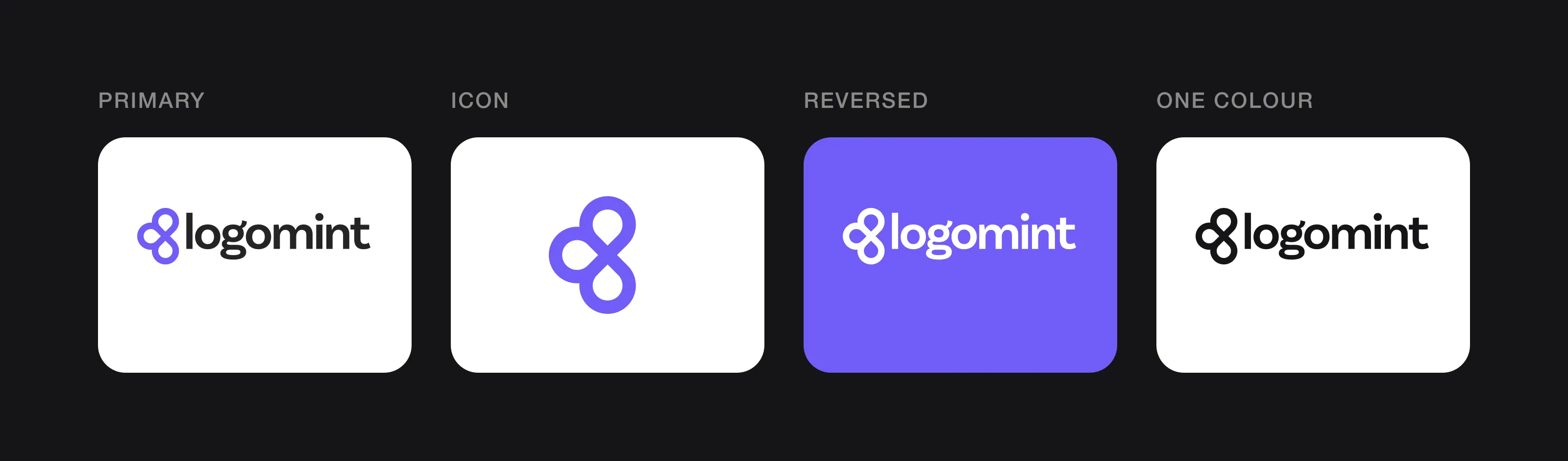 One logo, four versions: primary, icon, reversed and one colour.
FAQ
How many fonts should a logo have?
One, sometimes two. If you use two, make them clearly different, such as a serif with a sans-serif, rather than two similar sans-serifs.
How do I know if my logo has too much detail?
Look at it as a social media profile picture or a browser tab icon. If you can’t recognise it at 32 × 32 pixels, it’s too complex.
Can I fix a cheap-looking logo in Canva?
If it has two or more of these common problems, a quick tweak in Canva won’t fix it. DIY tools are built for social posts and presentations, not for brand identity.
What versions of my logo do I need?
At minimum, a primary version, an icon-only version, a version for dark backgrounds and the full vector source files.
The honest assessment
If your logo has two or more of these problems, a quick tweak in Canva won’t fix it. DIY tools are built for social posts and presentations, not for brand identity.
If the problems run deeper than a few fixes, our guide on when it’s time to rebrand helps you decide between a refresh and a new logo.
A professional logo doesn’t need a big budget either. At Logomint, a senior designer creates your custom logo from €129, with first concepts in 48 hours, full source files and a 100% money-back guarantee. That’s often less than the time and money spent patching a DIY logo. (Still deciding? Read whether you need a logo before launching.)
Your brand deserves better than “something feels off”. It deserves a logo you’re proud to put on your business card.